

On this page
Creating a protocol
A protocol is the skeleton of your practical session as you’ve already designed it — often on paper. The idea is to reproduce that structure in the app: the same questions numbers, the same points (or the same competencies assessed), so you can grade directly from your phone or tablet during the session, with no re-entry and no stack of papers to mark that evening.
Two types of protocol exist, depending on how you usually assess your students.
Create the protocol
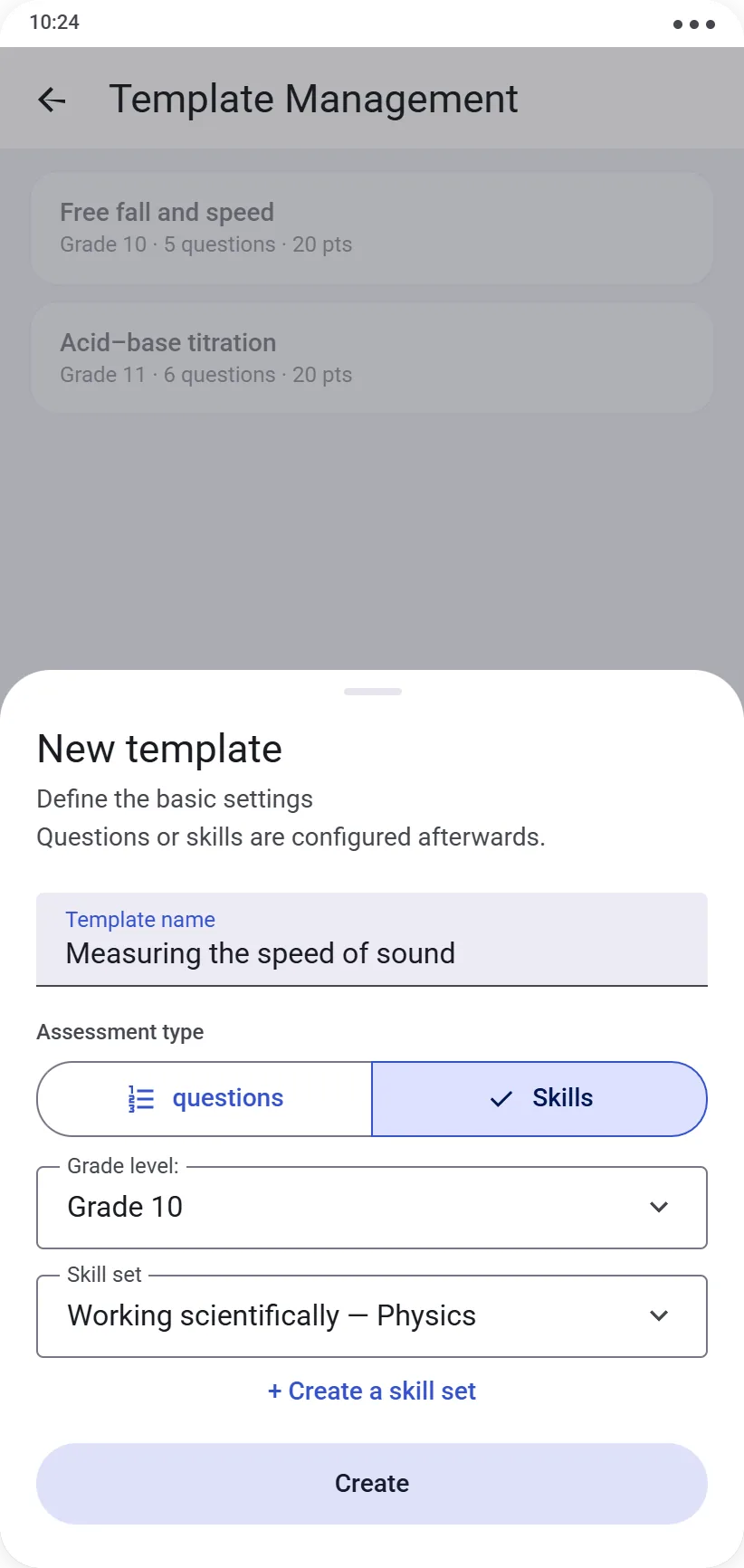
From Management → Protocols, tap Create a new protocol. The basic form asks for:
- a name
- an assessment type: questions or competencies
- a level
- if you chose competencies, a reference competency set (see the Competency sets guide if you haven’t created one yet)
(the free version allows 2 protocols: 1 of each type)
Once confirmed, you’re taken to the protocol editor to set up its content.
⚠️ A protocol with the same name, type and level can’t exist twice — if one already exists, you’ll need to delete it first to replace it.
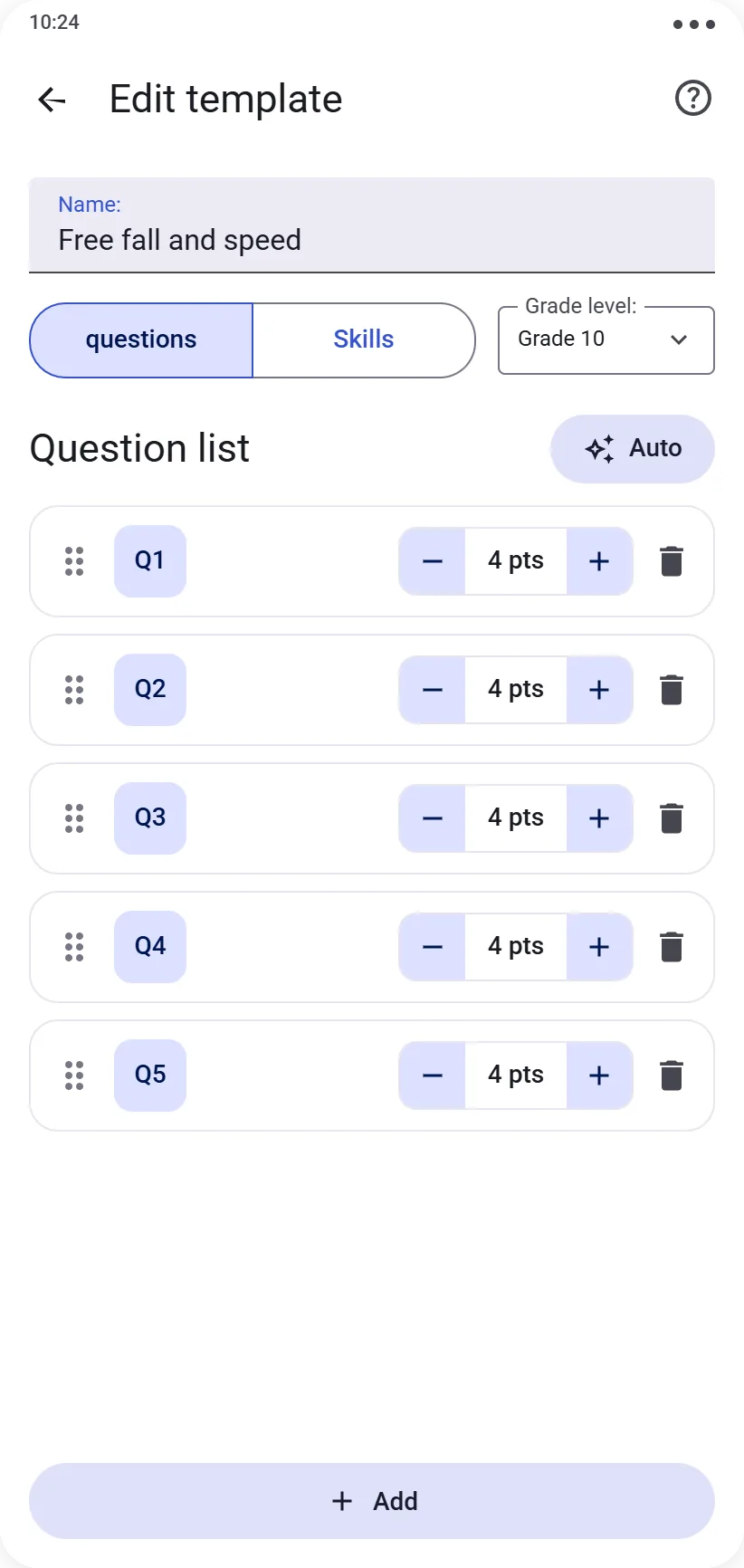
Question-type protocol
Add your questions one by one, or use the Auto button to create several at once: enter the number of questions and a shared number of points to assign them, and they’re created instantly, numbered (Q1, Q2…).
This is only a starting point: each question’s name and point value remain fully editable afterward, one by one. You stay in full control of your exact grading scale, question by question — and of the numbering, so you can match your original paper sheet: A1, A2, B1, B2 or I.1.a, I.1.b, I.2, I.3, II.1, for example.
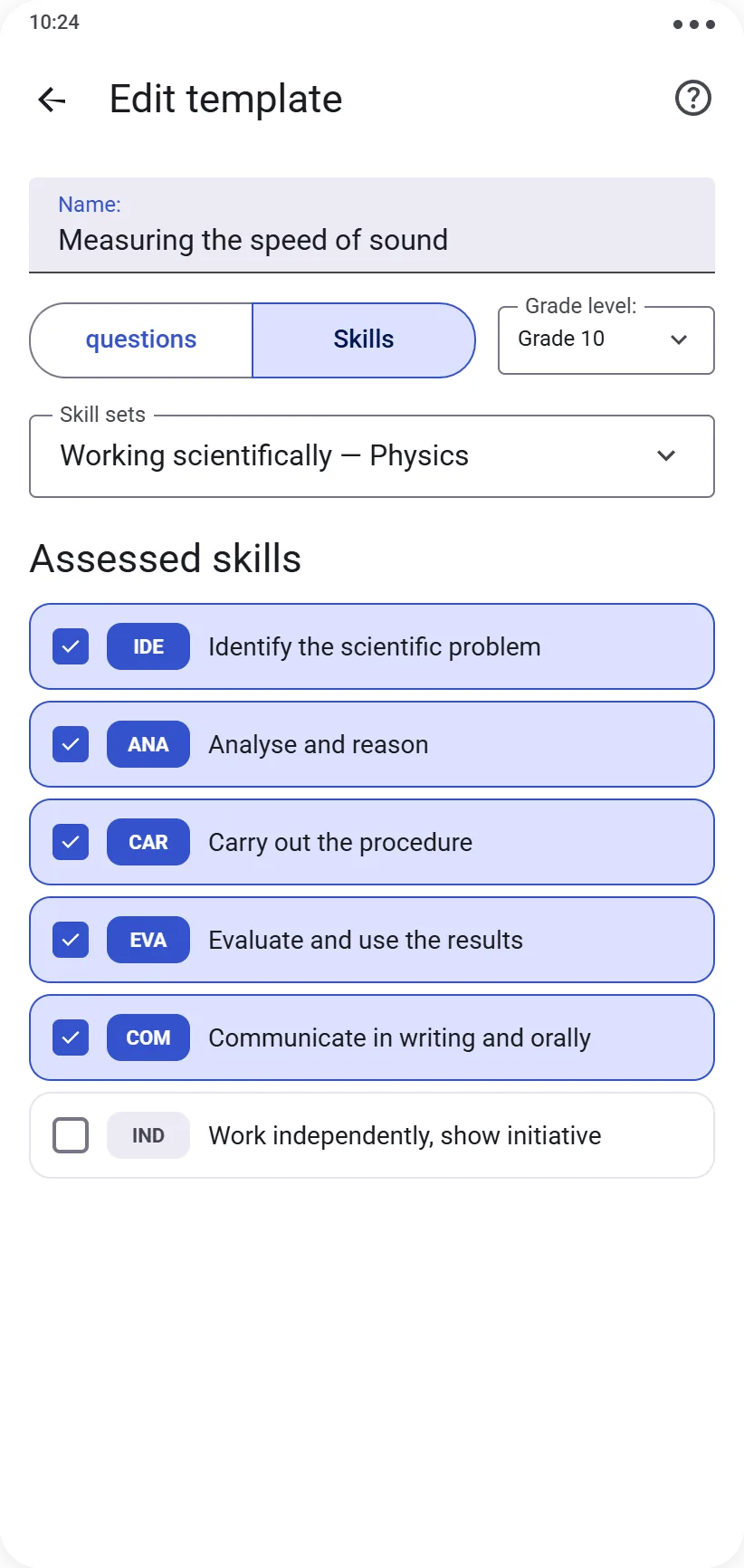
Competency-type protocol
From the competency set chosen at creation, select which competencies this protocol should assess. Each competency will be graded on an A → E scale (NE if not assessed) during the session.
Editing an existing protocol
Changing a protocol’s assessment type or competency set discards any questions or competencies already configured — you’ll be asked to confirm before this happens.
Once a protocol has been used in a graded session, its structure locks to preserve the consistency of already-recorded results:
- Question type: only the protocol’s name and the questions’ names remain editable
- Competency type: only the protocol’s name remains editable
Ready for the next step? See Running a live session.