

On this page
Competency sets
A competency set is a reusable list of competencies you define once, then reuse across as many competency-type protocols as you like — no need to rebuild your framework for every new protocol.
(competency sets are unlimited, even in the free version)
Create a set
From Management → Competencies, create a new set by giving it a name.
⚠️ A set with the same name can’t exist twice — if one already exists, you’ll need to delete it first to replace it.
Add competencies
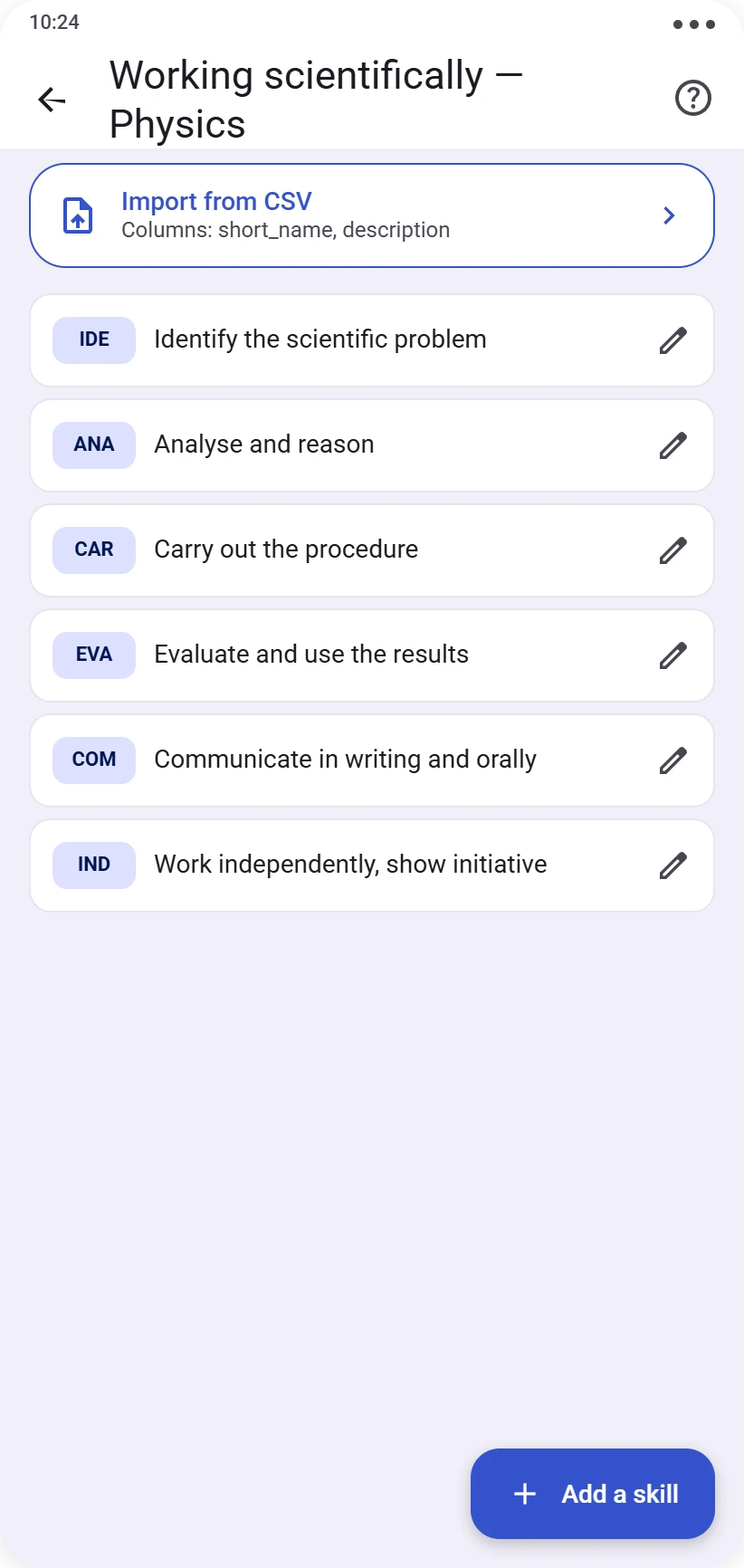
Inside your set, add your competencies one by one. Each competency has:
- a short name (2 to 4 characters, e.g. “APP1”) — this is what’s shown prominently when grading
- a longer description, to clarify what it covers
If you already have an existing competency framework, you can also import it all at once via a two-column CSV file: Name, Description.
Both the name and description remain editable at any time.
Editing or deleting
A competency already used in a graded protocol can no longer be deleted, but its name and description remain editable. A set containing at least one already-assessed competency can’t be deleted at all — a set with no assessment history can.
Using a set
A set doesn’t grade anyone by itself: it’s when creating a competency-type protocol that you choose which competencies from your set to assess for that specific session. See the Creating a protocol guide.
Ready for the next step? See Running a live session.