

Organizing the year into periods
Periods are an advanced, entirely optional feature: you can use EasyPrac without ever creating one. They let you split the school year into terms (trimesters, semesters…) so you can later filter your results by period instead of seeing everything mixed together across the whole year.
Simple setup
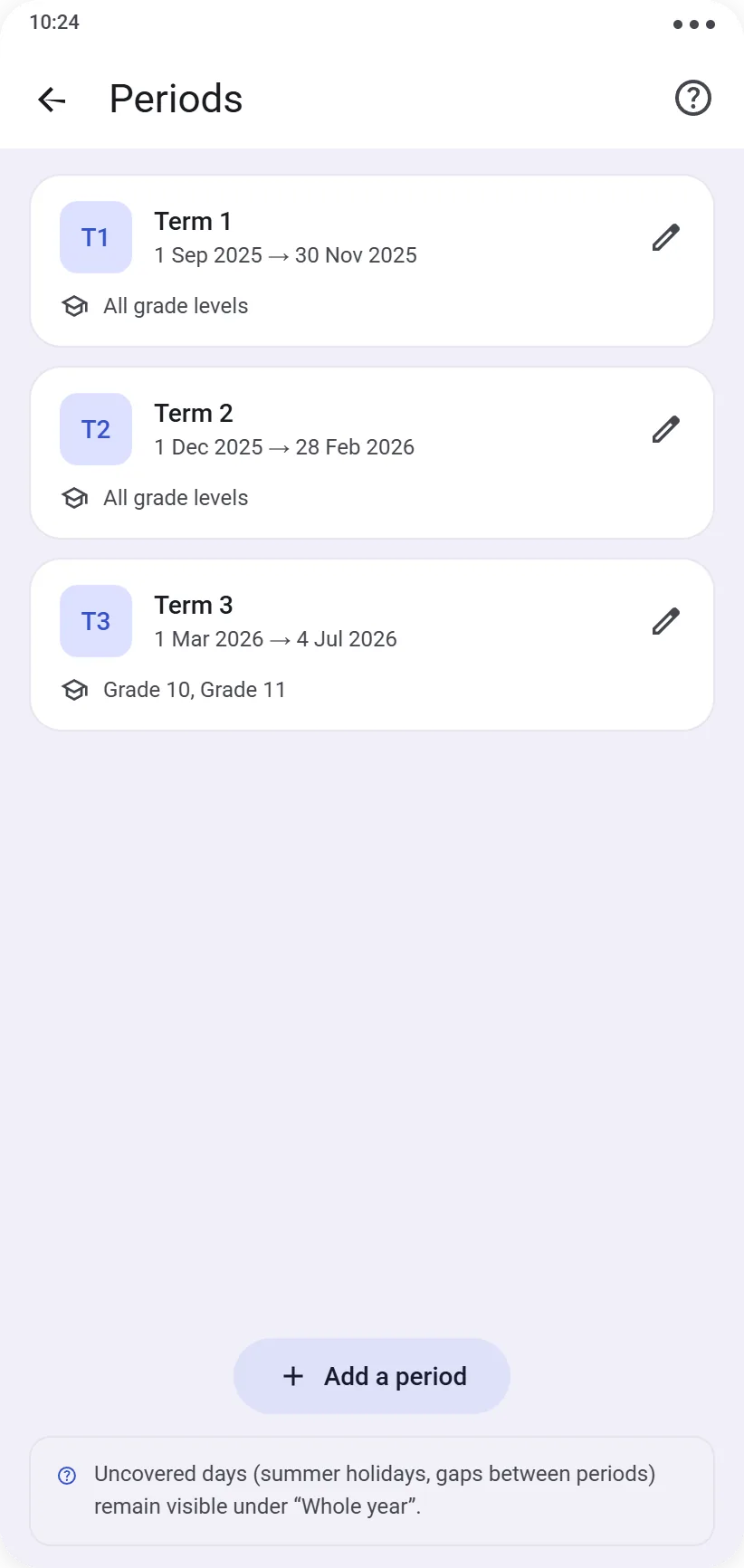
If all your levels follow the same calendar, create your periods (e.g. Term 1, Term 2, Term 3) with their start and end dates from Management → Year Structure → Periods. They then apply to all your levels.
Advanced setup: multiple calendars
If your different levels don’t follow the same rhythm — for example, Grade 10, 11 and 12 classes organized into trimesters, and vocational sections organized into semesters — you can link each period to one or more specific levels rather than to your whole school. Each level then follows its own breakdown, with no interference between the two organizations.
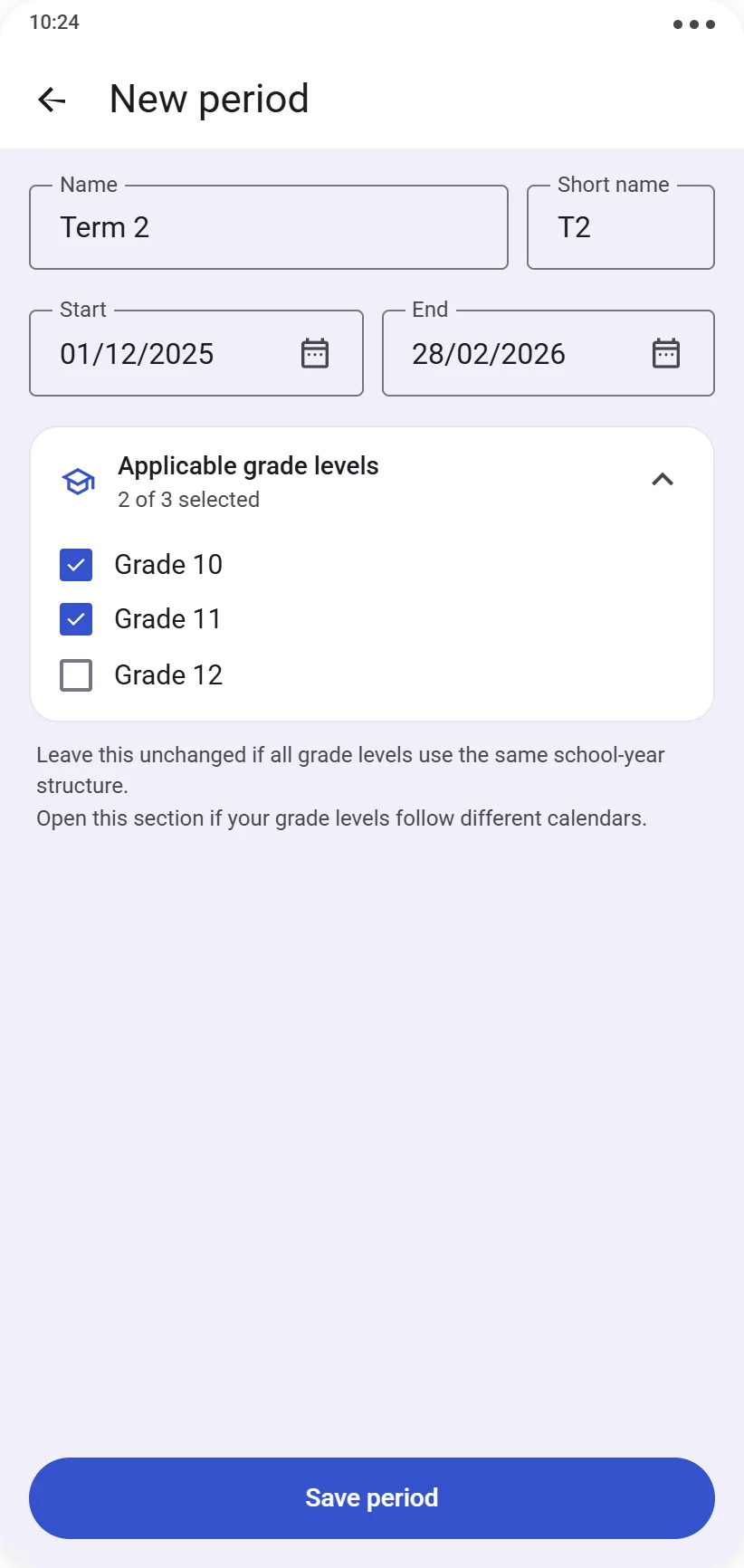
⚠️ Two periods linked to the same level can never overlap in time.
Once your periods are created, they become available as a filter in the Results screen.